
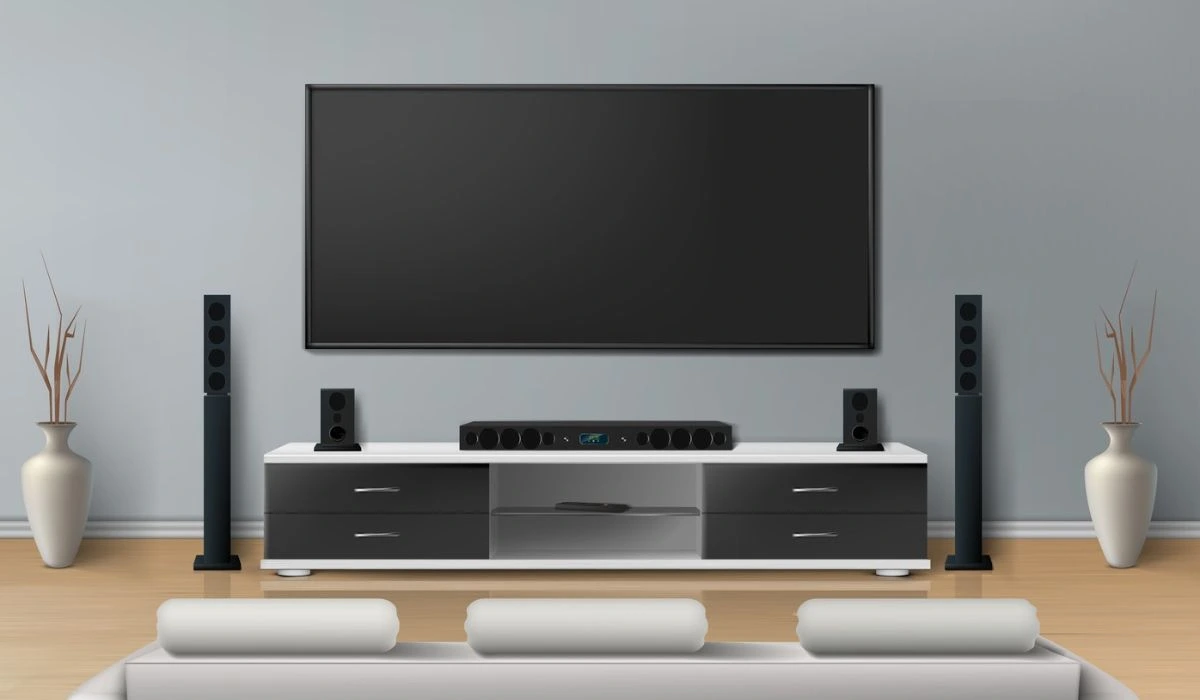
Choosing a 70 inch industrial TV stand is about more than finding furniture that can hold a large screen. The right console should support the TV securely, provide enough room for media equipment, fit the viewing height, and complement the overall design of the room.
A 70-inch television is usually around 61–62 inches wide, although exact measurements vary between models. That means buyers should look beyond the advertised screen size and check the TV’s actual width, foot placement, weight, and depth before selecting a stand.
An industrial-style console can be especially useful when you want a combination of rugged materials, practical storage, and a modern living-room aesthetic. Metal frames paired with wood or engineered-wood surfaces are common in this category.
What Is a 70 Inch Industrial TV Stand?
A 70 inch industrial TV stand is a media console designed to accommodate a large television while using industrial-inspired materials and styling. Typical designs combine elements such as metal frames, wood-look panels, open shelves, cabinets, and simple geometric lines.
The industrial look does not necessarily mean the furniture has to appear heavy or rough. Modern versions often use clean silhouettes, neutral finishes, slim metal supports, and warm wood tones. This makes them suitable for contemporary, modern farmhouse, loft, and mixed-style interiors.
The most important consideration is still functionality. A stylish console is only useful if its top is wide and strong enough for your television and its storage areas can accommodate your devices, cables, speakers, gaming systems, or accessories.
How Big Should a TV Stand Be for a 70-Inch TV?
A 70-inch TV measures diagonally, not across its width. Most models are around 61–62 inches wide, so check the TV’s actual dimensions before choosing a stand. A slightly wider console can provide better balance and extra space for equipment.
Check the TV Width
Measure the TV from edge to edge rather than relying only on the 70-inch label. For a TV around 61 inches wide, a stand around 70 inches can provide useful extra space.
Measure the TV Feet
Check the distance between the TV feet and make sure they sit securely on the stand. Different models use different foot positions, so never rely only on the advertised TV size.
Consider Stand Depth and Height
Make sure the stand has enough depth for your TV, soundbar, consoles, and cables. Its height should also provide comfortable viewing, with low-profile designs often working well for large screens.
Why Choose an Industrial TV Stand?
Industrial furniture is popular because it combines practical construction with a distinctive visual style. Metal framing provides a structured appearance, while wood or wood-look surfaces add warmth and prevent the room from feeling too cold.
This combination works particularly well with large televisions because the furniture can visually balance the size of the screen. Instead of relying on decorative details, industrial designs often use proportions, contrasting materials, and simple lines to create interest.
Industrial TV stands can also be versatile. A black metal frame with brown wood tones can work in a rustic living room, while a simpler black-and-neutral design can blend into a contemporary space.
Key Features to Look For
A good 70inch tv stand should support your TV while providing enough storage, ventilation, and space for current and future equipment.
Metal Frame
Metal frames give industrial TV stands a strong, structured look and pair well with wood surfaces. Check the stand’s weight capacity and stability rather than choosing based only on appearance.
Wood or Engineered-Wood Surfaces
Wood and engineered-wood finishes add warmth to industrial designs. Choose a finish that complements your existing flooring and furniture instead of trying to match every wood tone exactly.
Storage
Open shelves provide easy access to consoles and speakers, while cabinets can hide cables and accessories. Measure your equipment first to ensure the compartments provide enough height and depth.
Open shelves provide easy access to consoles and speakers, while cabinets can hide cables and accessories. If you want more storage and a coordinated entertainment setup, explore different cabinet TV cabinet designs to find an option that suits your living room and storage needs. Measure your equipment first to ensure the compartments provide enough height and depth
Cable Management
Look for cable holes, rear openings, or enough space to organize power and HDMI cables. Good cable access makes installation and future adjustments much easier.
Ventilation
Electronics need adequate airflow, especially inside enclosed cabinets. Choose a design that allows ventilation and follow the equipment manufacturer’s recommended clearances.
Best Styles of 70 Inch Industrial TV Stands
Industrial design can take several forms, so you do not have to choose a single traditional look.
| Style | Best For | Key Characteristics |
| Rustic Industrial | Warm living rooms | Wood tones and dark metal |
| Modern Industrial | Contemporary interiors | Clean lines and simple frames |
| Open-Shelf Industrial | Gaming setups | Easy access to equipment |
| Cabinet Industrial | Organized rooms | Hidden storage |
| Low-Profile Industrial | Home theater | Lower viewing position |
| LED Gaming Style | Gaming spaces | Lighting and equipment storage |
A low-profile design can be particularly useful when the goal is to keep a large screen visually dominant without raising it too high. Home-theater discussions frequently emphasize the importance of keeping the console low enough for comfortable viewing and allowing room for a center speaker.
Choosing the Right Stand for Your Room
The right stand should suit both the TV and the room. In smaller spaces, choose a streamlined design with useful storage and limited depth, while larger rooms can accommodate wider consoles for a balanced media wall.
Match the Stand to Your Existing Furniture
The stand does not need to match every piece exactly. Instead, repeat materials or colors, such as a black metal frame with black fixtures or a wood finish that complements your flooring and furniture.
Consider the Wall and Viewing Area
Measure the wall, nearby doors, windows, outlets, and walking paths before buying. Also consider your sofa position to ensure the TV is at a comfortable viewing height and distance.
TV Stand vs. Wall Mount
A TV stand provides storage, equipment space, and a furniture-based focal point. It is also convenient if you do not want to drill into the wall or need flexibility when rearranging the room.
Wall mounting, on the other hand, can create a cleaner appearance and free up floor space. It may also allow you to position the screen independently from the furniture below it.
You can also combine both approaches by mounting the TV above an industrial console. This keeps the storage and visual warmth of the furniture while allowing more flexibility with screen placement.
Benefits of a 70 Inch Industrial TV Stand
A well-designed industrial console can offer several practical and aesthetic benefits.
Strong Visual Balance
Large televisions can dominate a room. A sufficiently wide console helps create a more balanced relationship between the screen, wall, and surrounding furniture.
Useful Storage
Shelves, cabinets, and drawers provide places for entertainment equipment and everyday items. This can reduce visible clutter around the television.
Flexible Design
Industrial furniture can work with several decorating styles, including contemporary, rustic, loft, farmhouse, and transitional interiors.
Easy Equipment Access
Open shelving makes it easier to reach gaming consoles, media players, controllers, and other devices. It can also simplify cable routing and maintenance.
Long-Term Functionality
Choosing a console based on equipment dimensions rather than appearance alone gives you more flexibility if your entertainment system changes later.
Expert Insights for Large-TV Setups
When choosing a stand for a large TV, think about the entire entertainment system rather than the screen alone. Measure the television, feet, equipment, cables, and available wall space before purchasing.
A practical approach is to create a simple measurement checklist:
- Measure the TV’s actual width.
- Measure the distance between its feet.
- Check the TV’s weight.
- Measure the depth required by your equipment.
- Decide where the soundbar or center speaker will sit.
- Check the available wall width.
- Measure nearby walking space.
- Confirm the stand’s weight capacity.
- Check cable access and ventilation.
- Review the manufacturer’s assembly and safety instructions.
This approach prevents one of the most common buying problems: purchasing furniture that technically says it supports a 70-inch TV but does not work well with the specific television or entertainment equipment.
Common Mistakes When Buying a 70 Inch TV Stand
Avoiding common buying mistakes can help you choose a stand that is safe, functional, and well-suited to your TV. Pay attention to size, stability, storage, ventilation, and cable management before purchasing.
Choosing by TV Size Alone
A label such as “fits 70-inch TVs” is only a starting point. Always check actual TV width, foot spacing, weight, and stand depth.
Buying a Stand That Is Too Narrow
A narrow console may technically support the television but create an unbalanced appearance. It can also leave little room for speakers or decorations.
Ignoring Equipment Depth
Receivers and other components may be deeper than expected. Measure them before selecting a shallow console.
Forgetting Ventilation
Closed storage can look neat, but electronics need appropriate airflow. Follow the equipment manufacturer’s ventilation requirements.
Prioritizing Style Over Stability
Industrial furniture can look substantial without actually having the required load capacity. Check the manufacturer’s specifications before placing a large TV on the unit.
Ignoring Cable Access
Poor cable management can make an otherwise attractive media wall look unfinished. Look for rear openings and enough space to route cables safely.
Safety and Stability Considerations
Safety should be part of the buying decision, especially when a large television is placed on freestanding furniture. The U.S. Consumer Product Safety Commission recommends placing TVs on furniture designed to support them and securing TVs and furniture against tip-over hazards.
If children live in or regularly visit the home, anchoring becomes especially important. Keep heavier items on lower shelves, avoid placing tempting objects where children may climb, and follow the TV and furniture manufacturer’s anchoring instructions.
Do not exceed the stand’s stated weight capacity, and make sure the TV is positioned according to the furniture manufacturer’s instructions. Stability should always come before decorative styling.
Maintenance Tips
Industrial TV stands are generally easy to maintain when their materials are cared for appropriately. Dust metal frames and shelves regularly, wipe spills promptly, and use cleaning products suitable for the specific surface.
Wood and engineered-wood finishes should not be exposed to unnecessary moisture. Metal components should also be kept reasonably dry, particularly in humid environments. Belleze notes that industrial metal frames may receive anti-rust treatment but still benefit from regular maintenance and keeping surfaces dry.
Periodically check screws, brackets, shelves, and other connection points. If the stand begins to wobble, stop using it until the cause is identified and corrected.
Future Trends in Large TV Stands
As televisions continue to become larger, TV furniture is likely to focus increasingly on flexibility. Modular consoles, adjustable storage, low-profile designs, and furniture that can accommodate changing equipment can make more sense than highly specialized units.
Gaming is also influencing entertainment furniture. LED lighting, dedicated console storage, cable-management systems, and flexible shelving are increasingly common features in entertainment setups.
Another important direction is multifunctional design. Instead of being used only as a television base, future consoles may combine media storage, display space, gaming organization, and decorative storage within a single piece.
Conclusion
Choosing a 70 inch industrial TV stand requires more than matching a furniture label to the television size. Measure the TV’s actual width, foot spacing, weight, depth, and equipment requirements before making a decision.
Look for a combination of stability, appropriate height, useful storage, cable management, ventilation, and a design that complements your room. Industrial combinations of metal and wood can provide both practical function and a distinctive visual character. With careful measurements and attention to safety, you can create a media setup that looks balanced and works comfortably for everyday viewing.
FAQs
What size stand is best for a 70-inch TV?
A stand around 65–75 inches wide can provide good balance, but always check your TV’s exact width and foot spacing.
Can a 70-inch TV fit on a 60-inch stand?
It may fit some models, but check the TV’s feet and the stand’s weight capacity before buying.
What makes a TV stand industrial?
Industrial stands usually combine metal and wood with simple lines, sturdy frames, and practical storage.
How deep should a TV stand be?
Choose enough depth to safely support the TV and accommodate your equipment, soundbar, and cables.
Should a TV stand be wider than the TV?
A wider stand often looks more balanced, but proper support and weight capacity are more important.
Are industrial TV stands good for gaming?
Yes, especially designs with open shelves, cable management, and enough space for gaming equipment.
Is an open-shelf or closed TV stand better?
Open shelves improve access and airflow, while closed cabinets provide a cleaner, clutter-free appearance.